No products in the cart.
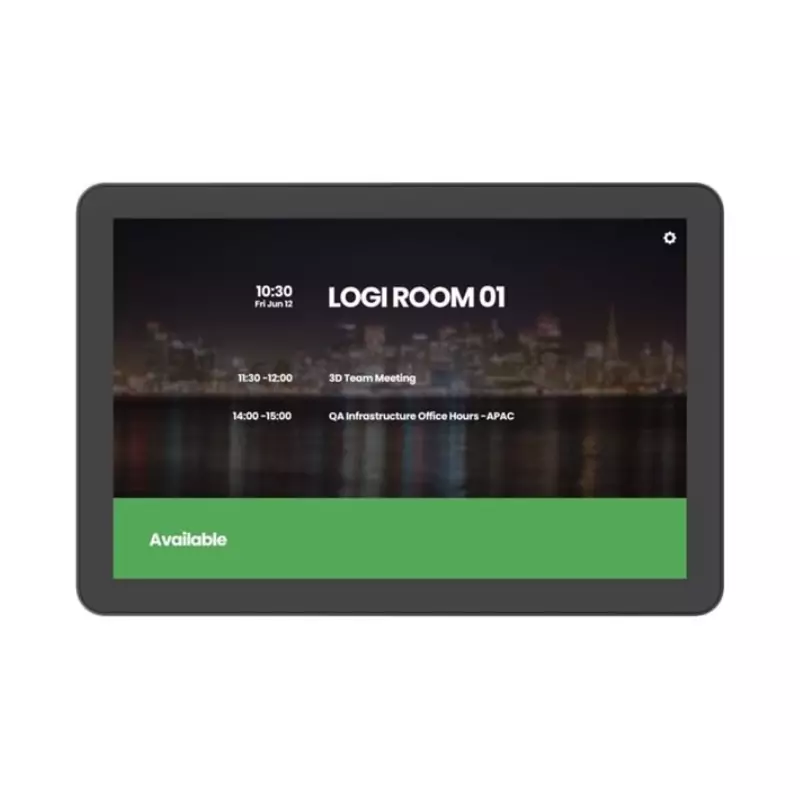
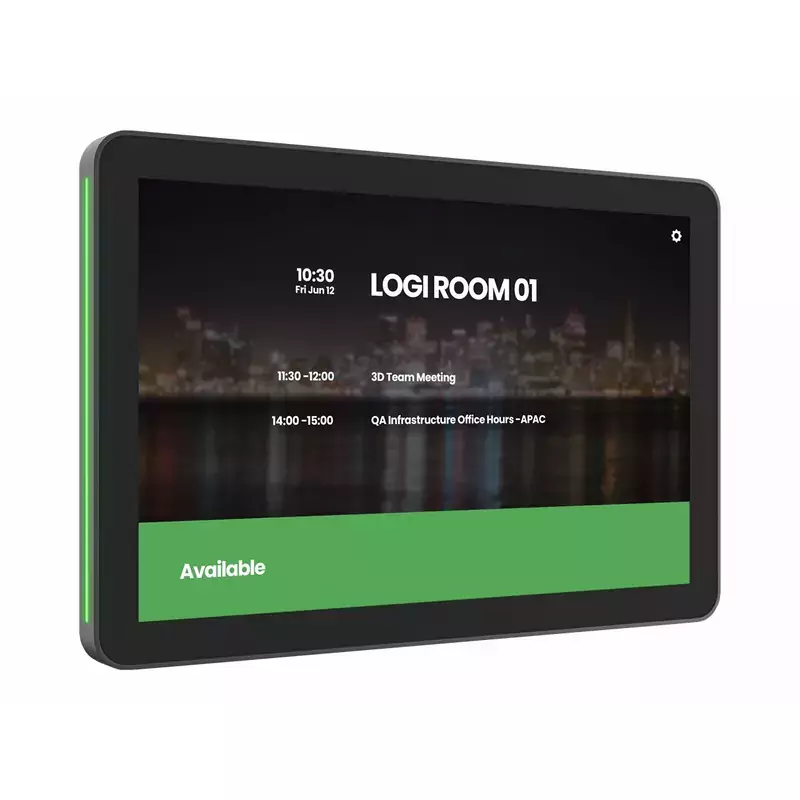
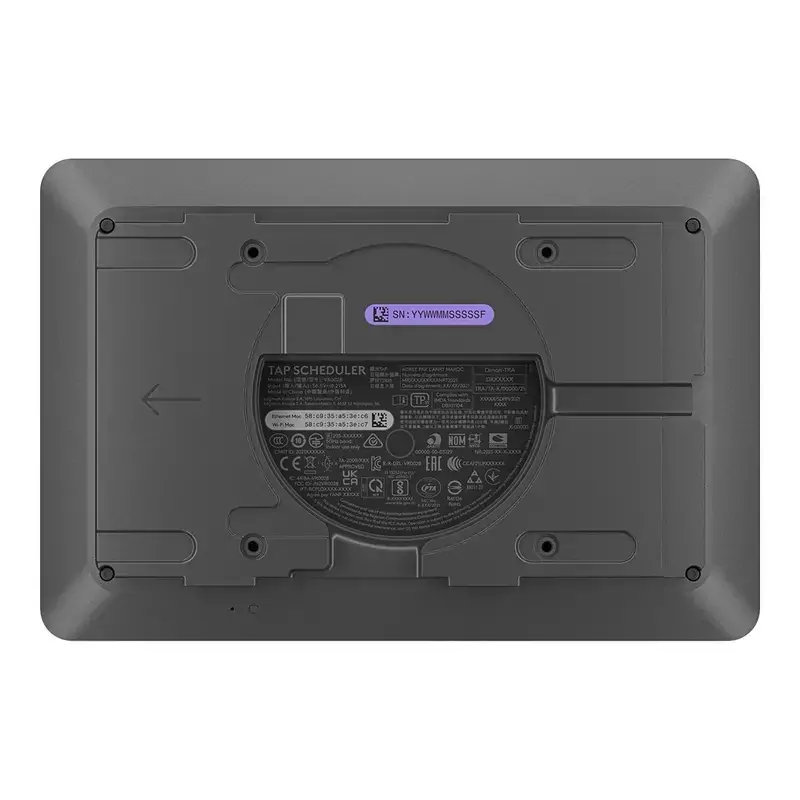
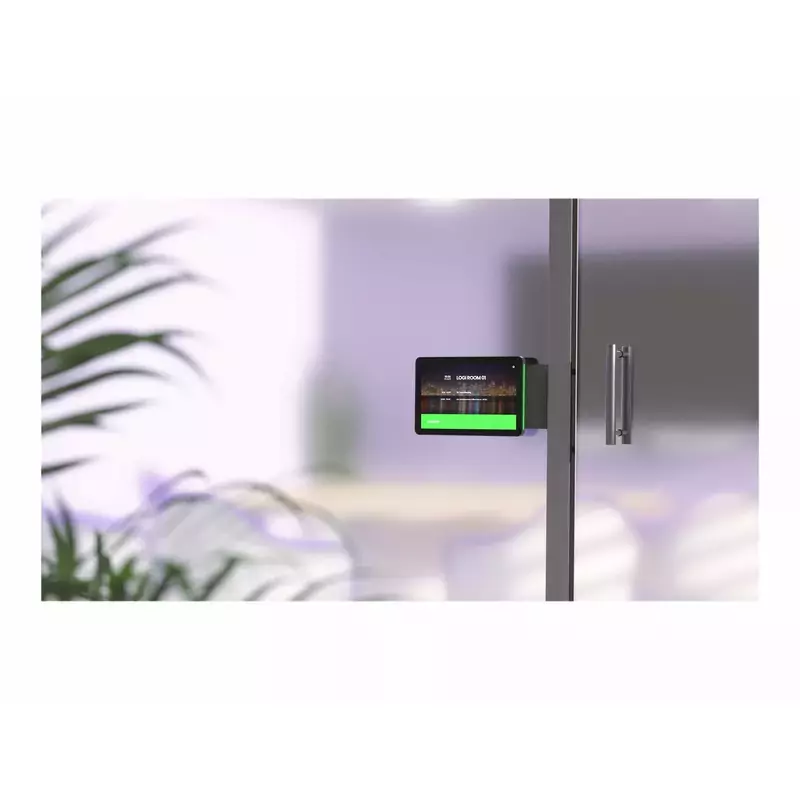
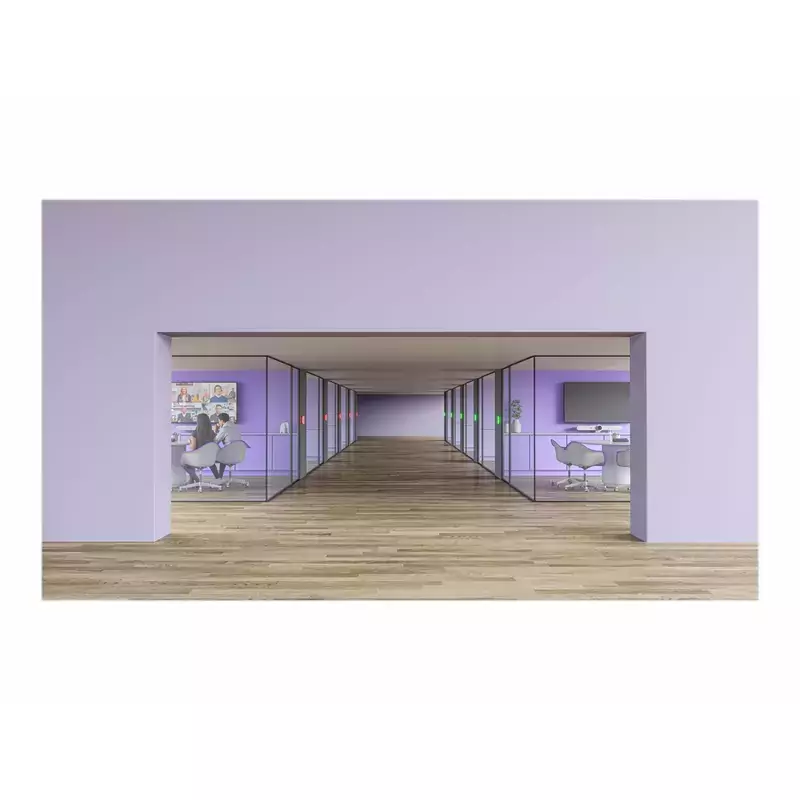

Make it easy to find and get to the right meeting space with Tap Scheduler, a purpose-built scheduling panel that signals availability from a distance. See meeting details, claim rooms, and book meetings up close on a spacious 10.1″ screen. Provide a professional install with clean cable management and included mounts for glass, mullions, and walls.Configure Tap Scheduler as a Microsoft Teams panel, as a Zoom Rooms Scheduling Display, with Meetio, Robin, or other room scheduling solutions to make the most out of meeting spaces. Count on Tap Scheduler for reliable performance with durable components that are built to last.LED lighting signal availability from a distance.Spacious 10.1″ touchscreen is flush-mounted for easy reading.Can be set up as a Microsoft Teams panel, Zoom Rooms Scheduling Display, and with room scheduling solutions like Meetio and Robin.Included glass, mullion, and wall mounts allow for easy installation.Multiple routing options result in a clean setup.Powered through PoE Type 1, Class 3, IEEE 802.3af.Make it easy to find and claim the right meeting space with Tap Scheduler, a purpose-built scheduling panel that is easily installed outside any room for fast deployment.Set up Tap Scheduler as a Microsoft Teams panel, as a Zoom Rooms Scheduling Display, with Meetio, Robin and other leading room scheduling solutions.Quickly find an open room through colored LED lights that show availability at a distance. Up close, see room details, claim the space, or reserve the room on the spacious touchscreen.Easily install Tap Scheduler outside any room with the included glass, mullion, and wall mounts. Multiple routing options hide the single PoE cable for a clean and professional setup.With a 10.1″ touchscreen display, flat angle, and low profile, Tap Scheduler allows for easy reading from a variety of heights.With a purposeful design and durable components, Tap Scheduler is built for reliable performance that lasts.Configure Tap Scheduler out of the box in just a few easy steps for fast setup and deployment.With Logitech Sync, you can monitor and manage Tap Scheduler along with your other meeting room devices from one single platform.
Actual Weight – 1.50 lbs
Compatibility Notes
Make it easy to find and claim the right meeting space with Tap Scheduler, a purpose-built scheduling panel that is easily installed outside any room for fast deployment.
Set up Tap Scheduler as a Microsoft Teams panel, a Zoom Rooms Scheduling Display, or with Meetio, Robin, and other leading room scheduling solutions.
Quickly find an open room through colored LED lights that show availability at a distance. Up close, see room details, claim the space, or reserve the room on the spacious touchscreen.
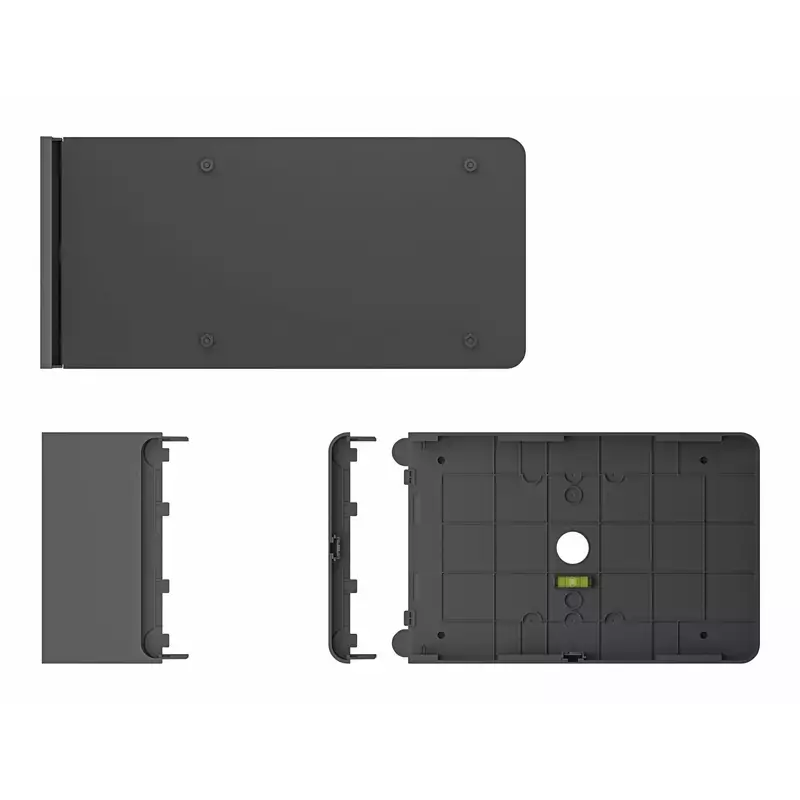
Easily install Tap Scheduler outside any room with the included glass, mullion, and wall mounts. Multiple routing options hide the single PoE cable for a clean and professional setup.
With a 10.1” touchscreen display, flat angle, and low profile, Tap Scheduler allows for easy reading from a variety of heights.
With a purposeful design and durable components, Tap Scheduler is built for reliable performance that lasts.
Configure Tap Scheduler out of the box in just a few easy steps for fast setup and deployment.
With Logitech Sync, you can monitor and manage Tap Scheduler along with your other meeting room devices from one single platform.
Connectivity
Contents
Tap Scheduler, Multi-surface mount (glass/drywall), Corner mount accessory, Mullion mount, Mounting hardware, Documentation
General
Physical Dimensions
Ports/Connectors
Protocols
Returns Policy
This product is subject to our return policy. Please see our complete return policy for details.
Shipping Weight – 4.78 lbs
Standards
UNSPSC – 45111900
Video
| Brand | Logitech |
|---|
Vendor Information
- Store Name: JENGA
- Vendor: JENGA